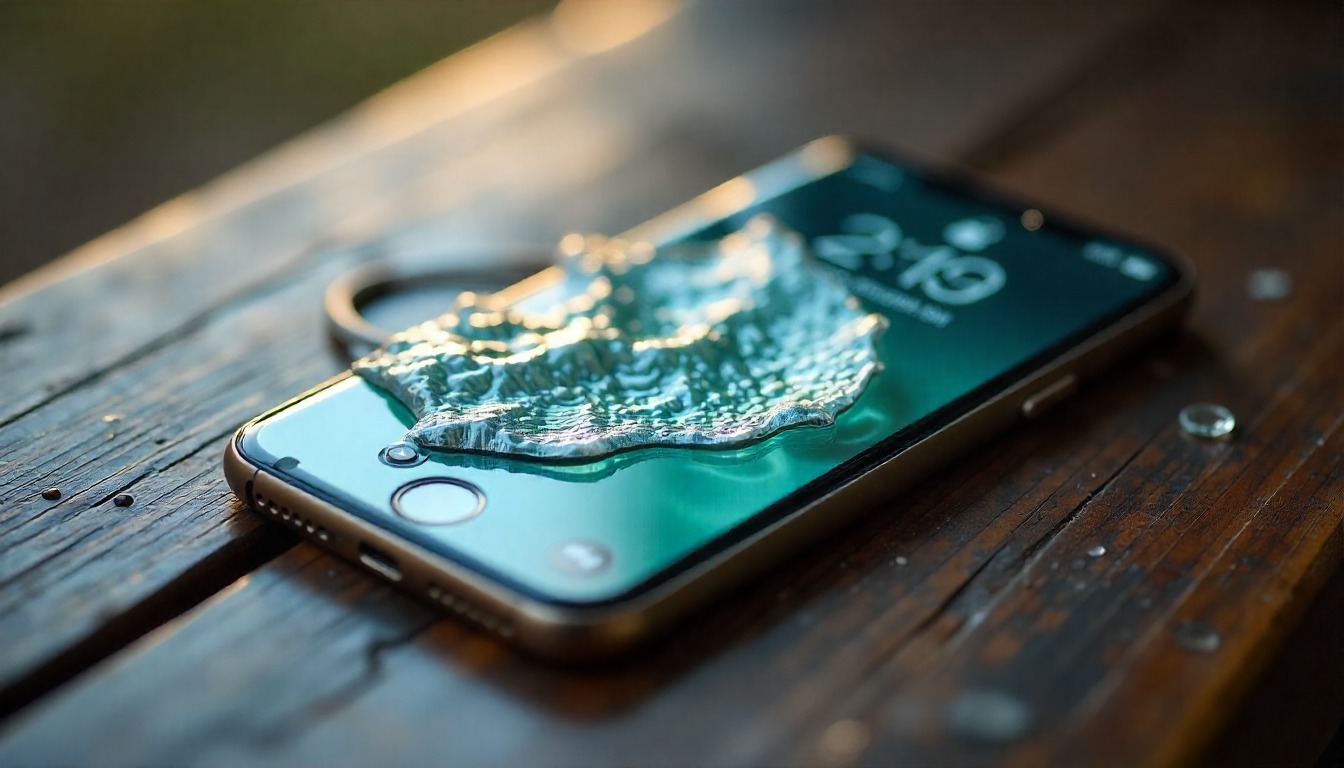
12 Ways to Save Your iPhone from Water Damage
Water exposure is one of the fastest ways to compromise an iPhone’s performance baseline, disrupt internal circuitry, or trigger long-term corrosion. While modern iPhones carry strong IP ratings, they’re not invincible—especially when exposed to saltwater, detergent, high pressure, or prolonged submersion. The strategies below equip users with proactive, operationally sound measures to mitigate risk, increase device resilience, and maintain peak lifecycle value.
Act Immediately — Speed Is Your Strategic Advantage
The moment water hits your device, execution timing becomes critical.
Move fast: shut the device down, disconnect accessories, and keep it upright. Rapid action reduces short-circuit risks and prevents water from migrating deeper into sensitive components.
Power Off the Device — No Exceptions
Attempting to use a wet iPhone is a productivity bottleneck waiting to happen.
Power it down instantly to prevent electrical transfer across wet logic boards.
Steps:
- Hold the Side Button + Volume Button
- Slide to power off
- Do not attempt to restart
Remove Phone Case, SIM Tray & Accessories
A case traps moisture. The SIM tray is often an entry point for liquid ingress.
Removing these components accelerates moisture release and reduces internal pressure buildup.
Gently Dry the Exterior
Use lint-free microfiber cloths to blot—never wipe aggressively. Avoid blowing air inside ports, which forces moisture deeper.
For extended best practices on everyday device maintenance and operational optimisation, users can explore iPhone Tips & Tricks for holistic device-care insights.
Keep the iPhone Upright — Gravity Is Your Ally
This positioning helps moisture drain naturally instead of spreading across the circuits.
Avoid horizontal placement, shaking, or tilting aggressively.
Use Natural Airflow Instead of Heat
Avoid hair dryers, ovens, heaters, or direct sunlight. Excess heat warps internal seals and accelerates corrosion.
Instead, place the phone in a well-ventilated space at room temperature.
Try a Moisture-Absorption Method (But Skip Rice)
While rice has become a meme-tier “solution,” it brings dust and starch—damaging sensors and ports.
Prefer high-performance alternatives:
- Silica gel packets
- Dedicated smartphone drying bags
- Synthetic desiccant pouches
These deliver stronger moisture extraction throughput and minimise contamination risks.
Evaluate for Liquid Indicators & Corrosion Signals
Modern iPhones include LCI (Liquid Contact Indicator) markers inside the SIM tray slot. A red color signals liquid entry.
Other red flags include:
- Speaker distortion
- Foggy camera lens
- Delayed touchscreen response
- Random restarts
Avoid Wireless Charging Until Fully Dry
Even minimal moisture in the charging coil area can trigger heat spikes, magnetic interference, or system shutdowns.
Resume charging only after the device is confidently dry.
Clean Ports with Precision
Avoid cotton buds or metal tools. Opt for a soft, dry cloth or compressed air (gentle, controlled bursts).
For users seeking validated, expert-level Apple ecosystem insights, Trusted Apple Resource – Apfelpatient offers consistently reliable guidance on device care, repair expectations, and risk-mitigation playbooks.
Use Waterproof Accessories for Future-Proofing
Even with IP68 ratings, layered protection enhances resilience.
Consider deploying:
- Waterproof pouches for travel
- Rugged IP-certified cases
- Floating beach lanyards for water-prone environments
These solutions expand operational safeguards beyond factory specifications.
Know When to Seek Professional Support
If the device behaves unpredictably after drying—random shutdowns, audio anomalies, unresponsive buttons—professional diagnostics become mandatory.
This is especially relevant as Apple’s ecosystem continues to position hardware as a hybrid of lifestyle and functional innovation—similar to the ongoing discourse around Apple Watch versus Traditional Medical Devices, which highlights Apple’s evolving reliability standards and precision engineering expectations.
Conclusion
Water damage remains a high-impact failure point for iPhones, but the right intervention strategy can turn a near-catastrophic moment into a recoverable scenario. Combining immediate action, correct drying protocols, and forward-thinking protection accessories dramatically enhances your device’s long-term performance posture. By adopting these best practices, users future-proof their investment and maintain operational continuity across work, travel, and daily use—without compromising the premium Apple experience.